A little intention. Every day.
Less scrolling.
More living.
Reels become minutes. Minutes become hours. Tempo helps you pause, set a limit, and put your time back in your hands.
Made for Android Free to use No subscription
of your day.
 A pause.
A choice.
in your hands.
You know how it goes.
Because “one more reel”
is never just one more.
Tempo puts a small pause into the moments that usually pass unnoticed.
Keep the apps you enjoy. Be more deliberate about the time you spend in them.
An illustrated walkthrough from the app’s introduction. Silent, with on-screen text. Open video ↗
A pause, right when it matters
From autopilot
to your choice.
- 01
Put a little distance between you and the feed.
Focus Glass covers supported feeds with a frosted layer. Reveal them when you choose, instead of being pulled straight into the next post.
- 02
Notice when “a minute” becomes more.
Set when Tempo should remind you, how long to snooze, and your daily limit. Personalise your reminders with words that mean something to you.
- 03
Take the moment back.
A reminder gives you a moment to decide. Leave the feed, or snooze when you want a little more time. Your protection settings stay in your control.
A closer look
Small tools.
More intentional days.
See your habits, choose your boundaries, and make space for the things you meant to do.
Know where your time goes.
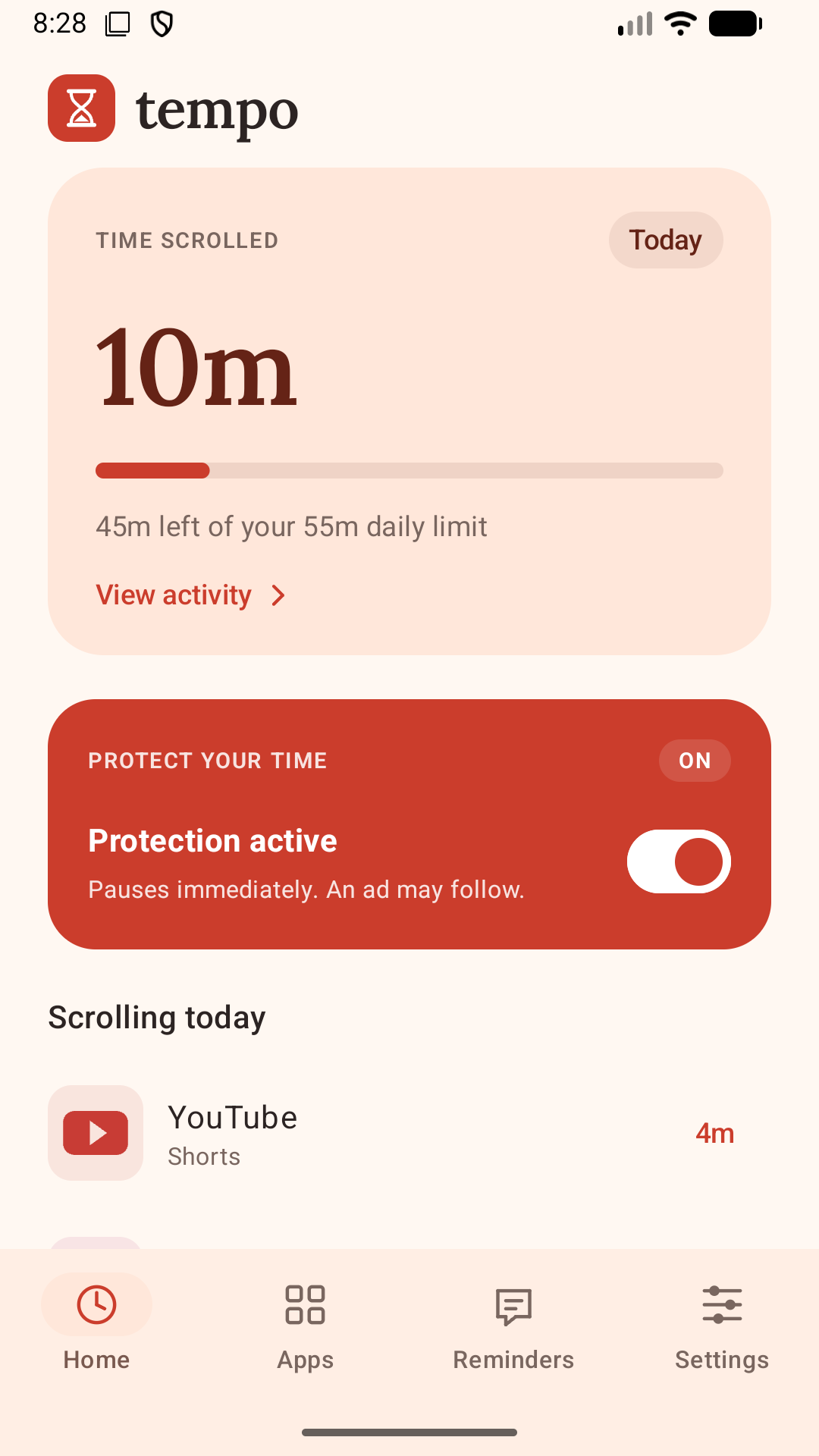
See today’s scrolling at a glance, with a breakdown by app.
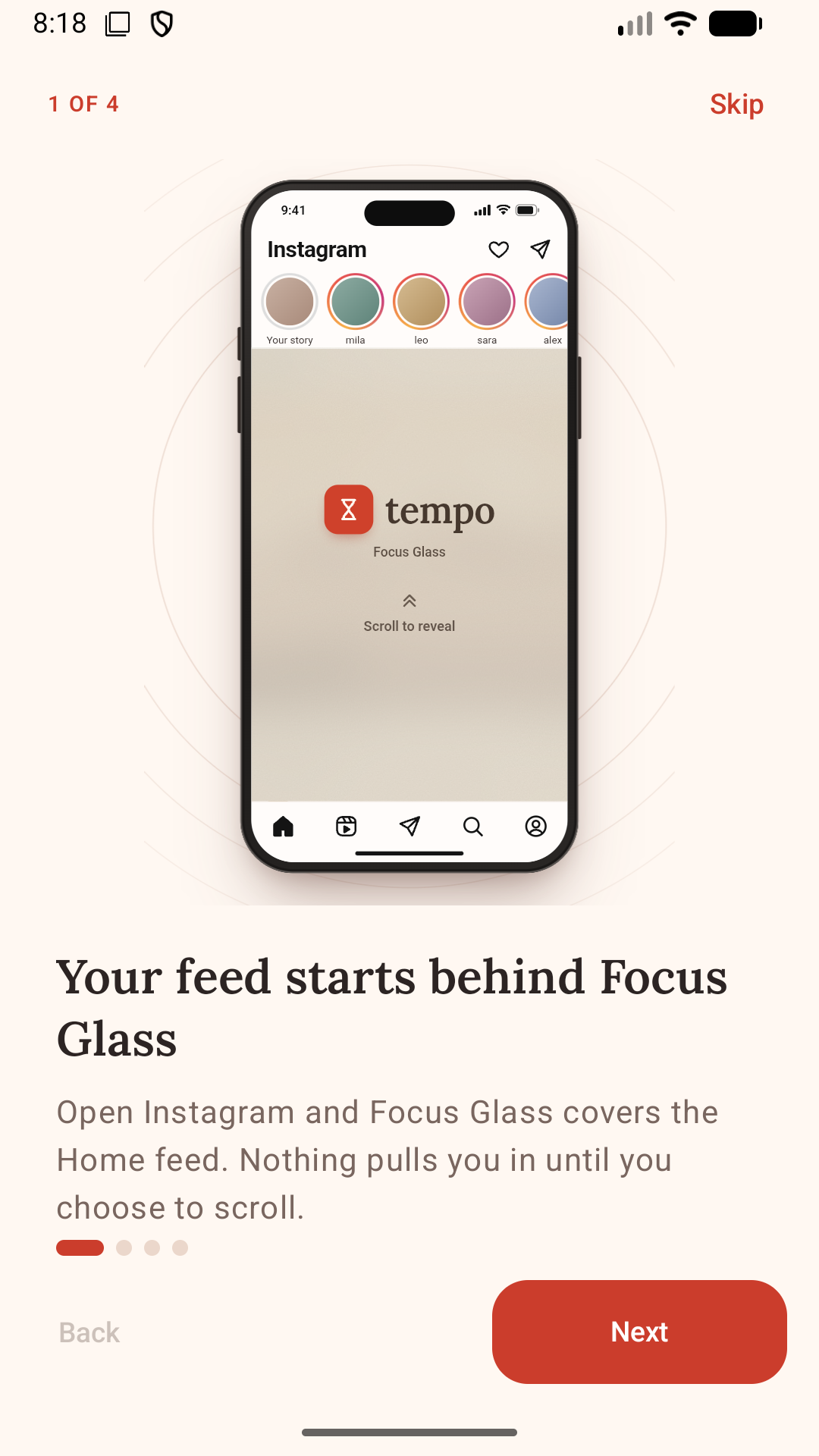
Open the app. Choose the feed.
Focus Glass adds a deliberate step before the scroll begins.
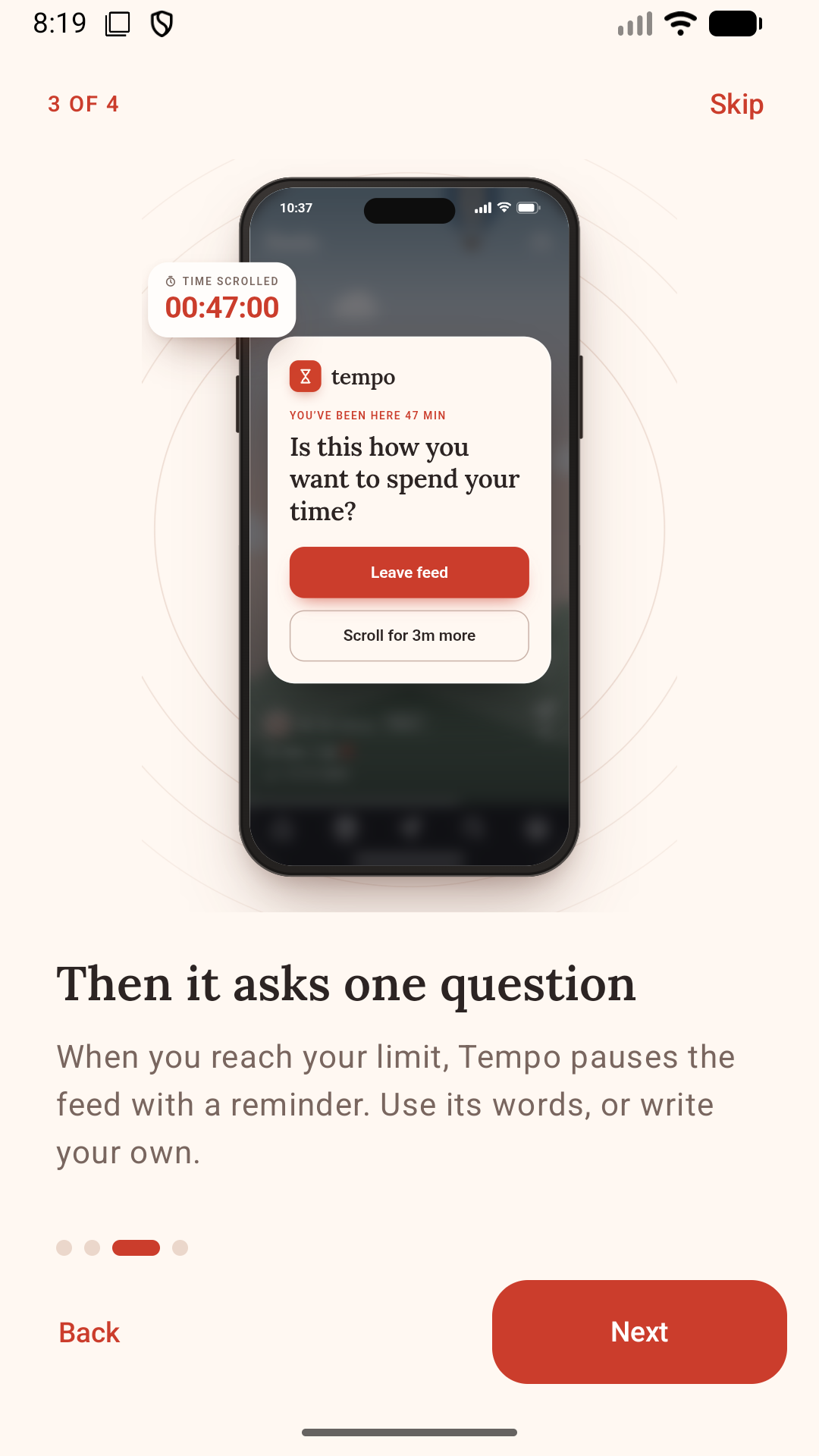
A nudge that sounds like you.
Choose your reminders, warning timers, snooze intervals, and daily limits.
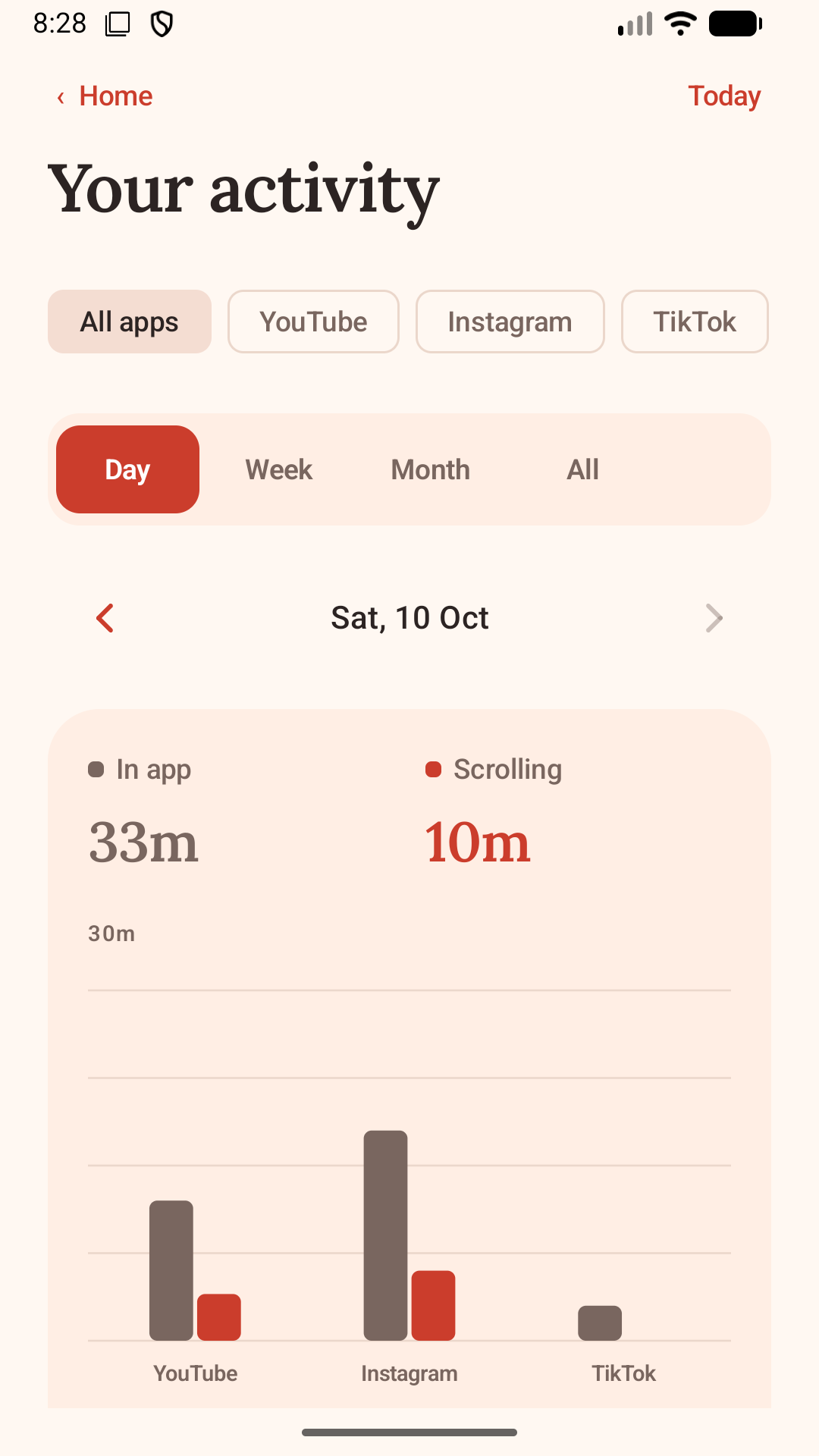
See more than screen time.
Compare time in your apps with time actually spent scrolling.
Screenshots from Tempo. Home and Activity show sample data; Focus Glass and reminders are shown in the in-app walkthrough. Tap any screen for a closer look.
Meet your habits where they happen
Your favourite apps.
A different rhythm.
Choose the apps you want help with and set limits that work for you. Tempo focuses on supported scrolling areas, rather than locking you out of the whole app.
Available protections vary by app and can be affected by changes to their interfaces.
- Reels, Home & Stories
- YouTube
- Shorts
- TikTok
- Video feeds
- Reels & Home
- Home feed
- Threads
- Home feed
- X
- Timelines & videos
- Snapchat
- Spotlight & Stories
Is Tempo free?
Yes. Tempo is free to use, with no subscription. The app may show ads, including optional rewarded ads for extra scrolling time. You can manage your protection settings without a subscription.
Does it block the whole app?
Tempo is designed around distracting feeds and short-form video. Focus Glass covers supported feeds, while reminders and daily limits help you stop scrolling. It does not act as a blanket lock on the entire app. Features and coverage vary by supported app.
Why does Tempo need accessibility access?
Tempo uses Android’s Accessibility Service to recognise supported scrolling screens, show reminders and Focus Glass, and help you leave a feed when you ask. The app explains this access before you enable it. Optional Usage access lets Activity compare app time with detected scrolling.
What happens to my activity data?
Tempo stores your settings and scrolling history on your device. It does not record, save, or share the screen content it inspects for protection. Advertising services may process data separately, as explained in the privacy policy.
Is it available for iPhone?
Tempo is currently built for Android 8 and later. There is no iPhone version at the moment. The Android app includes English and Spanish, and light and dark themes.
Make this moment yours
There’s life
beyond the next reel.
Want to try Tempo on Android? Get in touch for access.
Request accessFree to use. No subscription.